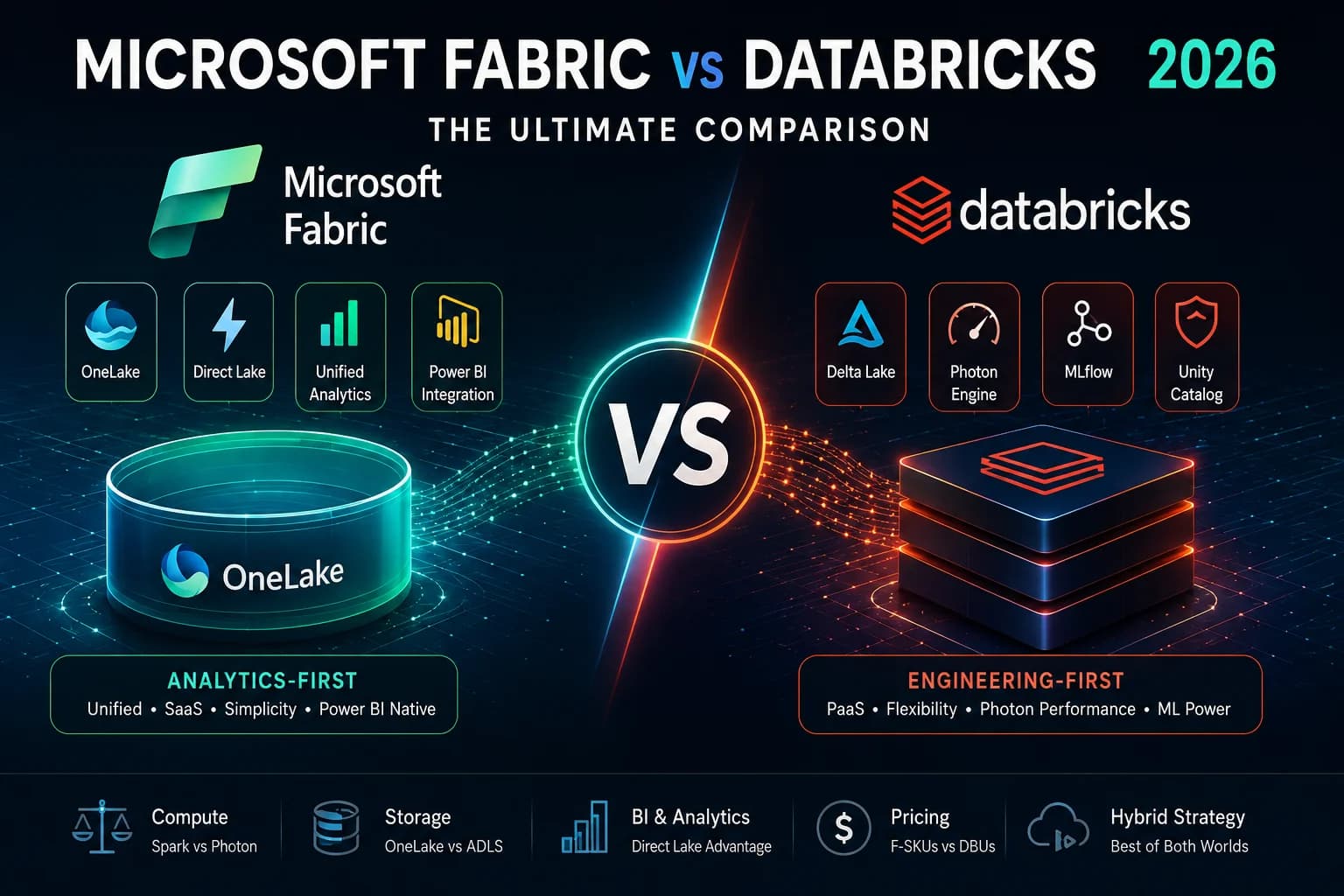

The definitive 2026 enterprise guide to Microsoft Fabric vs Databricks. This comprehensive 4,000+ word deep-dive breaks down the architectural, computing, storage, pricing, and governance differences between the two leading data platforms. More importantly, we explore the Databricks-Fabric Hybrid Architecture—how the world's most sophisticated enterprise data teams are combining Databricks' Photon engine with Fabric's Direct Lake mode to achieve zero-copy analytics.
Executive Summary: Understanding the Paradigm Shift
The search for "Microsoft Fabric vs Databricks" often begins with a fundamental misunderstanding: treating them as direct, mutually exclusive competitors. While there is significant overlap in their Spark computing and Delta Lake storage capabilities, their core philosophies, target audiences, and operational paradigms are drastically different.
Databricks is an engineering-first Platform-as-a-Service (PaaS). Founded by the original creators of Apache Spark, it provides maximum control over underlying clusters, deep flexibility for complex machine learning (ML) and artificial intelligence (AI) pipelines, and the industry-leading Photon engine for heavy Spark processing. Databricks expects you to have a strong data engineering team capable of managing infrastructure, tuning clusters, and orchestrating complex Directed Acyclic Graphs (DAGs) using tools like Delta Live Tables (DLT) and MLflow.
Microsoft Fabric is an analytics-first Software-as-a-Service (SaaS). It aggressively abstracts away infrastructure management, unifies storage via OneLake, and integrates natively with Power BI. It focuses on time-to-value rather than granular infrastructure control. In Fabric, you do not provision a cluster or select virtual machine (VM) types; you purchase a Capacity SKU and the platform instantly allocates Serverless compute to your workloads on-demand.
In 2026, the most sophisticated enterprise data architectures don't choose one or the other—they integrate both. This guide comprehensively breaks down how these platforms compare across compute engines, storage formats, Business Intelligence (BI) integration, governance, and Total Cost of Ownership (TCO).
Table of Contents
- 1. Compute Engines: Synapse Spark vs Photon Internals
- 2. Storage Layer: OneLake vs ADLS & Unity Catalog
- 3. Data Optimization: V-Order vs Liquid Clustering
- 4. Implementing the Medallion Architecture
- 5. BI Integration: Direct Lake vs DBSQL Deep Dive
- 6. Data Engineering, DLT & Orchestration
- 7. Real-Time Analytics: KQL vs Structured Streaming
- 8. CI/CD & DevOps: DABs vs Fabric Git Integration
- 9. AI & Machine Learning: MLflow vs Fabric Copilot
- 10. Security & Governance: Unity Catalog vs Purview
- 11. Pricing, TCO & Capacity Management
- 12. Migration Strategies (Synapse to Fabric)
- 13. The Golden Path: Fabric & Databricks Hybrid Architecture
- 14. Massive 25-Question FAQ
1. Compute Engines: Synapse Spark vs Databricks Photon Internals
While both platforms process data using Apache Spark, their runtime engines, optimizations, and cluster management strategies represent two entirely different engineering schools of thought. Let us dive deep into the internals.
Databricks: The Photon Engine Architecture
Databricks didn't just adopt Spark; they invented it and have spent over a decade optimizing it. Their crown jewel is Photon, a proprietary, C++ vectorized query engine that integrates directly with the Apache Spark execution plan. Unlike standard Spark (which runs on the Java Virtual Machine and suffers from garbage collection pauses and JIT compilation overhead), Photon processes data in columnar batches at the CPU register level using SIMD (Single Instruction, Multiple Data) processing.
- Unrivaled Performance: For massive joins, heavy aggregations, and complex SQL execution over petabytes of data, Photon consistently outperforms open-source Spark by 2x to 8x. It entirely bypasses the JVM for supported operations.
- Cluster Granularity & Tuning: Databricks allows extreme tuning. You can specify exact Azure VM types (e.g., Memory-optimized E-series vs Compute-optimized F-series), configure autoscaling boundaries, set spot instance fallbacks, and tune low-level Spark configurations (shuffle partitions, broadcast thresholds). For example, a heavy shuffle job can be routed to an L-series VM with local NVMe disks for massive I/O throughput.
- Serverless Compute: In 2026, Databricks Serverless Compute has become the default. Startup times have dropped from 5 minutes to literally seconds for SQL Warehouses and Serverless Notebooks, matching Fabric's instant-on capabilities.
# Databricks allows granular control over cluster configs in JSON
{
  "cluster_name": "heavy-etl-cluster",
  "spark_version": "14.3.x-scala2.12",
  "node_type_id": "Standard_E8ds_v5",
  "autoscale": {
    "min_workers": 2,
    "max_workers": 16
  },
  "spark_conf": {
    "spark.sql.shuffle.partitions": "2048",
    "spark.databricks.photon.enabled": "true"
  }
}
Microsoft Fabric: Serverless Synapse Spark Internals
Microsoft Fabric's approach to Spark is entirely SaaS-driven. You do not configure VMs. You do not manage clusters. You simply write PySpark, Scala, or Spark SQL in a Fabric Notebook, and the platform handles the compute allocation dynamically from the backend.
- Starter Pools: Fabric utilizes pre-warmed "Starter Pools" associated with your Capacity SKU. When you run a notebook cell, the Spark session initializes in under 5 seconds. The nodes are already booted; Fabric just securely allocates them to your workspace context.
- High Concurrency Mode: Fabric Spark supports high-concurrency mode by default, allowing multiple users to submit Spark SQL and PySpark code to the same underlying compute pool without waiting in queues.
- The Trade-off: Abstraction vs Control. If you have a highly specific workload that requires exact memory-to-core ratios or specialized hardware, Fabric's serverless pools abstract this away. You get T-shirt sizes (Small, Medium, Large, X-Large nodes) rather than specific Intel or AMD SKU choices.
Verdict on Compute Engines
For raw, uncompromising processing power on multi-terabyte ETL jobs where engineering tuning yields massive ROI, Databricks Photon wins. For ease of use, zero-maintenance infrastructure, and immediate time-to-value for data analysts, Microsoft Fabric wins.
2. Storage Layer: OneLake vs ADLS & Unity Catalog
Both platforms have standardized on the open-source Delta Lake (Parquet) format. This is the foundation of the modern lakehouse. However, the virtualization and cataloging of that storage differ immensely.
Databricks: Bring Your Own Storage + Unity Catalog
Databricks is inherently a compute engine that sits on top of your customer-managed cloud storage. You provision Azure Data Lake Storage (ADLS Gen2) or AWS S3 buckets, mount them to Databricks, and manage the physical networking, VNet peering, and firewalls yourself.
To govern this, Databricks provides Unity Catalog. Unity Catalog acts as the central metastore across all Databricks workspaces. It maps logical three-level namespaces (Catalog.Schema.Table) to physical ADLS paths. It is exceptionally powerful, but requires intentional terraform scripting and architectural design to map your ADLS containers to Unity Catalog external locations effectively.
Microsoft Fabric: OneLake (The "OneDrive for Data")
Fabric automatically provisions OneLake the moment your tenant is created. There are no storage accounts to create, no endpoints to configure, and no resource groups to manage. It is a single, logical hierarchical namespace that spans your entire organization. Every Workspace in Fabric automatically becomes a folder in OneLake.
OneLake's most revolutionary feature is Shortcuts. A Shortcut is a virtual pointer that allows OneLake to mount external data without moving or duplicating a single byte. To the Fabric compute engines, the shortcut appears as local OneLake data.
# Creating a shortcut via Fabric API is trivial
fabric.shortcuts.create(
    workspace_id="",
    item_id="",
    path="Files/my_shortcut",
    target={"adlsGen2": {"url": "https://myadls.dfs.core.windows.net/data"}}
)
3. Data Optimization: V-Order vs Liquid Clustering
Because Delta Lake is open-source, both platforms compete heavily on how they write and optimize the underlying Parquet files to accelerate read performance.
Databricks Liquid Clustering
In traditional Delta Lake, engineers had to manually define partitions (e.g., partitioned by year, month, day) and run Z-Ordering algorithms to sort data within files. If query patterns changed, the entire table had to be rewritten.
Databricks introduced Liquid Clustering, which dynamically adapts data layout based on clustering keys without hard partitioning. It solves the "small file problem" and the "skewed partition problem" simultaneously.
-- Creating a Liquid Clustered Table in Databricks
CREATE TABLE sales_data (
    transaction_id STRING,
    customer_id STRING,
    event_time TIMESTAMP,
    amount DECIMAL(10,2)
)
CLUSTER BY (customer_id, event_time);
Fabric V-Order
Fabric utilizes a proprietary write-time optimization called V-Order. V-Order sorts and compresses dictionaries specifically to align with the memory structures of the Power BI VertiPaq engine.
When Fabric Spark writes a DataFrame to a Lakehouse, V-Order is enabled by default. It organizes the Parquet row groups and encodes the data so that Power BI Analysis Services can page it directly from disk to CPU registers with near-zero deserialization overhead.
4. Implementing the Medallion Architecture
The Medallion Architecture (Bronze, Silver, Gold) is the standard pattern for data lakes. Here is how it is implemented on both platforms.
Databricks Medallion Implementation
- Bronze: Ingested raw via Auto Loader (streaming JSON/CSV into Delta).
- Silver: Cleansed via Delta Live Tables (DLT) with expectations.
- Gold: Aggregated for reporting via Databricks SQL or materialised views.
Fabric Medallion Implementation
- Bronze: Data ingested via Fabric Data Factory Pipelines (Copy Activity) into a "Raw" Lakehouse Files section.
- Silver: Cleansed via Fabric Notebooks or Dataflow Gen2 into Delta Tables in the "Staging" Lakehouse.
- Gold: Aggregated into the Fabric Data Warehouse or a "Gold" Lakehouse, ready for Direct Lake Power BI connection.
5. BI Integration: Direct Lake vs DBSQL Deep Dive
This is the single most critical battleground for enterprise architectures in 2026. Data has zero business value until it is visualized and consumed by decision-makers, and Power BI commands over 40% of the enterprise BI market.
The Databricks Approach: Databricks SQL (DBSQL)
Databricks provides DBSQL, a highly optimized Serverless SQL warehouse. When connecting Power BI to Databricks, you have two traditional choices:
- Import Mode: Power BI queries Databricks, extracts the data, and loads it into Power BI's internal VertiPaq memory. Pros: Blazing fast dashboard performance. Cons: Data is immediately stale, requires scheduled refreshes, duplicates data storage, and is limited by Power BI model size limits.
- DirectQuery Mode: Power BI sends a live SQL query to DBSQL every time a user clicks a slicer. Pros: Real-time data, no size limits. Cons: Noticeable latency (dashboards can take 3-10 seconds to render).
The Fabric Advantage: Direct Lake Mode
Microsoft Fabric fundamentally rewrites the rules of BI integration with Direct Lake mode.
In Direct Lake mode, Power BI does not import data, nor does it translate DAX into SQL queries. Instead, the Power BI Analysis Services engine reads the Delta Parquet files (optimized with V-Order) directly from OneLake and pages the required columns straight into RAM on the fly.
The Result: You get the sub-second dashboard performance of Import Mode with the real-time data freshness and infinite scalability of DirectQuery. If your organization is heavily invested in Power BI, Direct Lake is an architectural superpower that Databricks natively cannot match.
6. Data Engineering, DLT & Orchestration
How do data engineers actually build pipelines in these platforms?
Databricks: Delta Live Tables (DLT)
Databricks caters to software engineers. The true data engineering engine is Delta Live Tables (DLT). DLT allows engineers to define declarative data pipelines. You define the what, and DLT handles the how—automatically managing dependencies, infrastructure, retry logic, and data quality.
# Example of a DLT Pipeline in Databricks
import dlt
from pyspark.sql.functions import *

@dlt.table
@dlt.expect_or_drop("valid_current_page", "current_page_id IS NOT NULL")
def clickstream_clean():
  return (
    dlt.read("clickstream_raw")
      .withColumn("event_date", to_date("event_timestamp"))
  )
Fabric: Low-Code Pipelines & Dataflows Gen2
Fabric inherits its data engineering DNA from Azure Data Factory (ADF) and Power Query.
- Fabric Data Pipelines: A drag-and-drop orchestrator identical to ADF. It excels at control flow (If-conditions, ForEach loops) and massive data movement across hundreds of on-premise connectors.
- Dataflow Gen2: A visual data transformation tool based on Power Query. It allows data analysts to build robust ETL processes visually.
- Notebooks: Fabric fully supports code-first PySpark and Scala notebooks for traditional data engineering.
7. Real-Time Analytics: KQL vs Structured Streaming
Real-time telemetry and IoT streaming are handled completely differently.
Databricks relies on Apache Spark Structured Streaming. It processes streams in micro-batches and natively sinks them into Delta tables. It is exceptionally robust but has a steep learning curve for managing state stores and watermarks.
Microsoft Fabric includes Real-Time Intelligence (RTI), which is built on the Kusto Query Language (KQL) database (formerly Azure Data Explorer). KQL is blisteringly fast for time-series and log analytics, allowing users to query billions of telemetry events in milliseconds. Eventstreams in Fabric make it incredibly easy to route IoT Hub or Kafka data directly into KQL databases with zero code.
8. CI/CD & DevOps: DABs vs Fabric Git Integration
Databricks Asset Bundles (DABs) represents the gold standard for data engineering CI/CD. DABs allow you to define your entire Databricks project (notebooks, jobs, DLT pipelines, clusters) as code in YAML files. You can deploy this via GitHub Actions or Azure DevOps into Dev/Test/Prod environments seamlessly.
Fabric Workspace Git Integration allows you to link a Fabric Workspace to an Azure DevOps or GitHub repo. It automatically synchronizes items (Notebooks, Semantic Models, Lakehouses) into JSON definitions in source control. Fabric also provides Deployment Pipelines to promote items between Dev/Test/Prod workspaces. While vastly improved, Fabric's CI/CD is still highly UI-dependent and maturing compared to the deep, code-level deployment capabilities of Databricks.
9. AI & Machine Learning: MLflow vs Fabric Copilot
Databricks is an AI powerhouse. With the acquisition of MosaicML, Databricks offers a unified platform for training, fine-tuning, and hosting Large Language Models (LLMs). Features like MLflow, Feature Store, and Databricks Model Serving make it the premier choice for organizations building custom AI applications.
Fabric includes a robust Data Science workload, integrating MLflow and Synapse ML natively. However, Fabric's AI strategy is heavily focused on Copilot. Fabric weaves Azure OpenAI throughout the platform to assist developers—writing DAX, generating PySpark code, building reports, and querying data using natural language. Fabric is designed for consuming AI to accelerate development, whereas Databricks is designed for building custom AI models.
10. Security & Governance: Unity Catalog vs Purview
- Databricks Unity Catalog: A deeply ingrained metastore that governs data across all workspaces and clouds. It enforces Row-Level Security (RLS), Column-Level Security (CLS), and dynamic data masking at the engine level. Unity Catalog is arguably the most mature data governance engine in the modern stack.
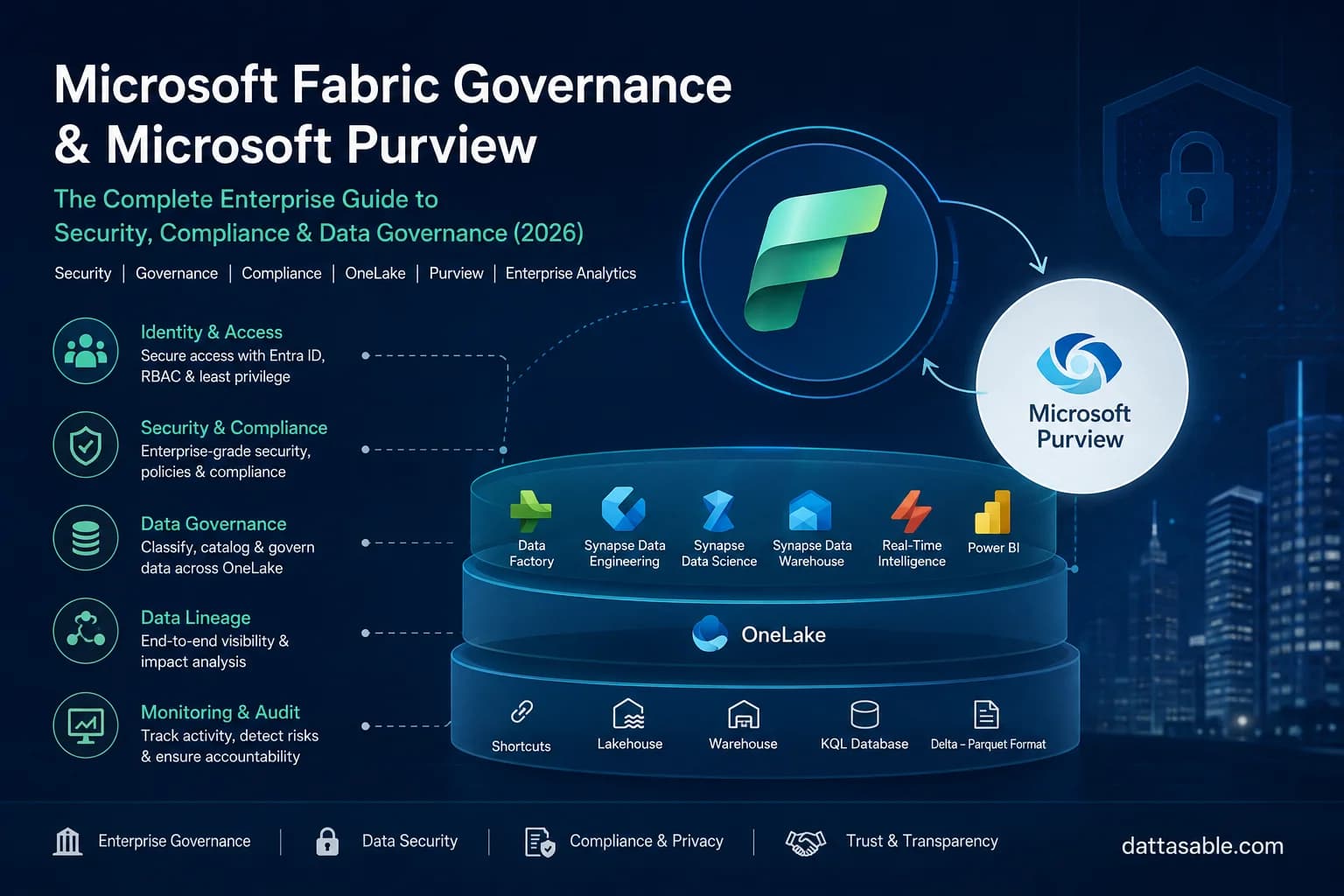
- Fabric & Microsoft Purview: Fabric relies on workspaces, domains, and item-level permissions for basic access control. For enterprise governance, it integrates natively with Microsoft Purview. Purview provides automatic data lineage mapping, sensitivity label inheritance, and data loss prevention (DLP) policies. For a deep dive, see our Fabric Governance & Purview Guide.
11. Pricing, TCO & Capacity Management
Comparing pricing directly is difficult because you are comparing apples (DBUs) to oranges (F-SKUs).
Databricks: Pay-Per-Execution (DBUs)
Databricks charges via Databricks Units (DBUs), which measure compute consumption per hour. You pay Databricks for the DBUs, and you pay your cloud provider separately for the underlying VM compute costs. This model favors organizations that have highly variable workloads and strong FinOps teams that aggressively terminate idle clusters.
Fabric: Pooled Capacity (F-SKUs)
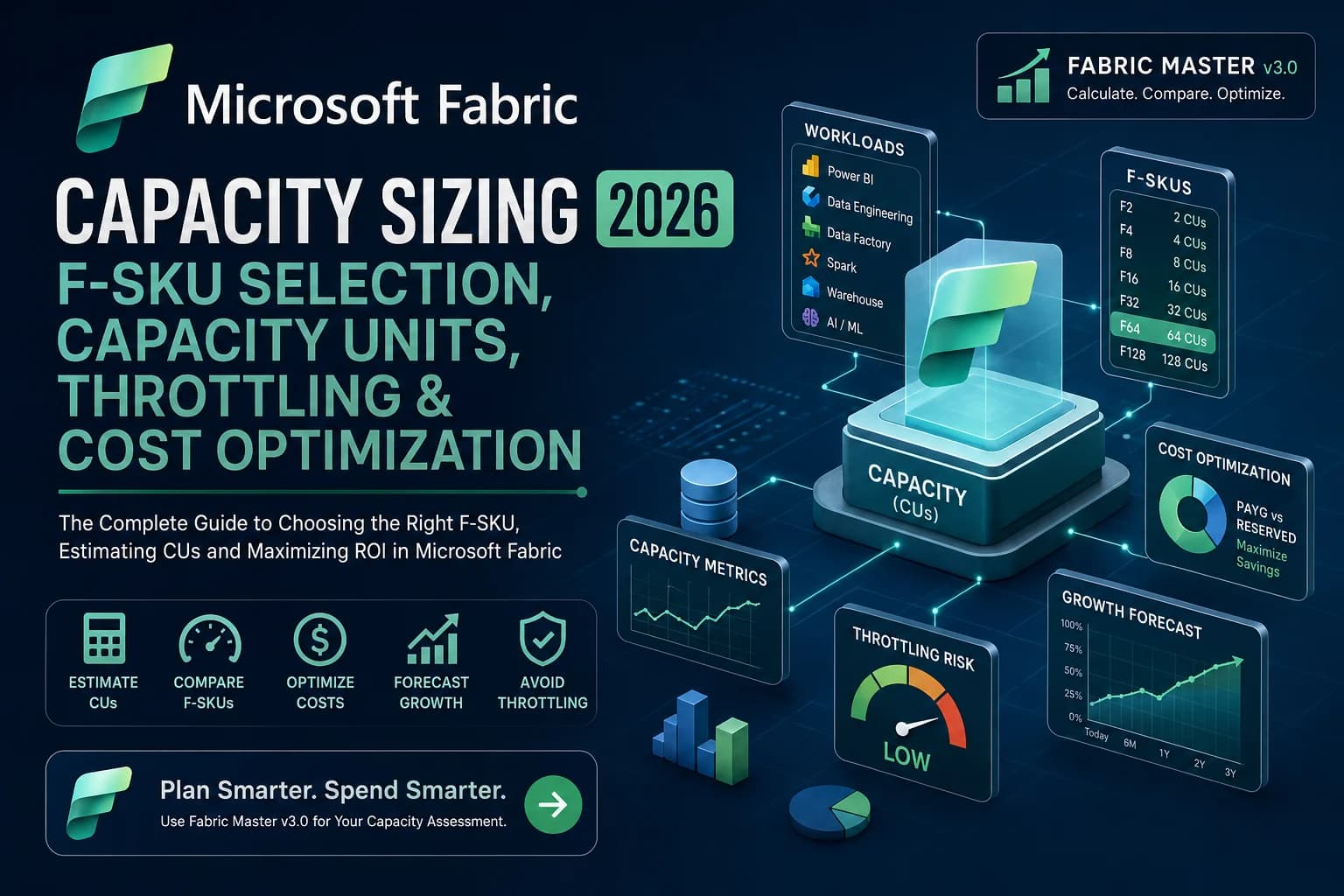
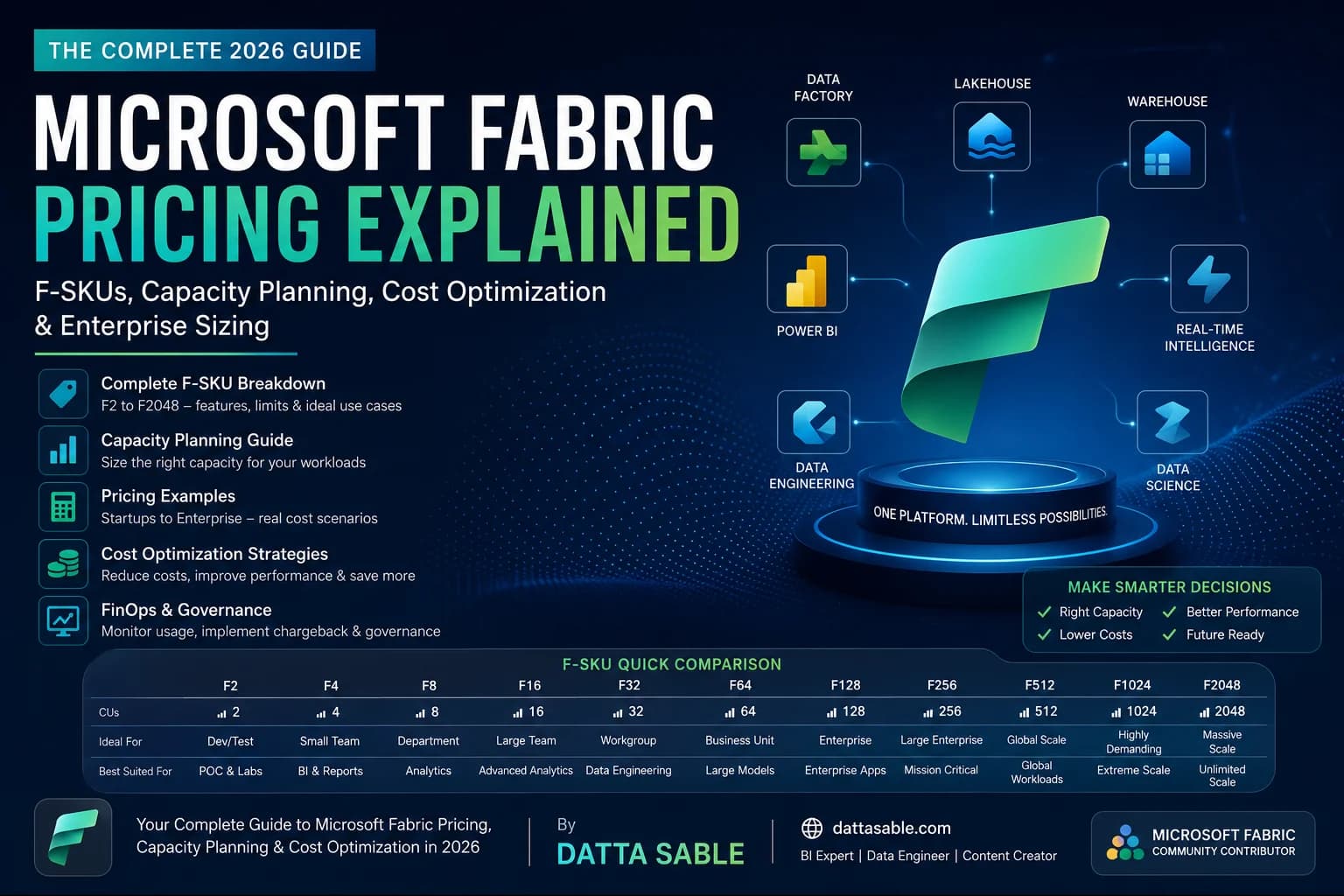
Fabric utilizes a simplified Capacity model. You purchase an F-SKU (e.g., F64 for ~$5,000/month), which provides a fixed pool of Capacity Units (CUs). Every action in Fabric consumes seconds of compute from this shared pool.
Fabric features Smoothing, which averages compute spikes over a 24-hour period. If you run a massive data load at 2:00 AM that exceeds your F64 capacity, Fabric doesn't throttle you; it borrows compute from future idle hours. See our Comprehensive Fabric Pricing Guide for exact tier breakdowns.
12. Migration Strategies (Synapse to Fabric)
If you are currently on Azure Synapse Analytics Dedicated SQL Pools, you face a migration choice. Do you move to Databricks or Fabric?
- To Fabric: Easiest path for SQL developers. Fabric Warehouse supports T-SQL surface area very similar to Synapse. Stored procedures, views, and schemas port over with minimal friction.
- To Databricks: Requires rewriting T-SQL into Spark SQL or PySpark. Ideal if your end goal is moving away from purely relational warehousing into a true data lakehouse architecture managed by software engineering principles.
13. The Golden Path: The Fabric & Databricks Hybrid Architecture
For Fortune 500 enterprises, the debate is over. The correct answer in 2026 is a hybrid architecture that leverages the unique strengths of both platforms without duplicating data.
graph TD
    subgraph Azure Cloud
        A[Raw Data Sources - ERP/CRM/IoT] -->|Ingest via Databricks Workflows| B(Databricks: Heavy Data Engineering)
        B -->|Clean & Transform via DLT| C[(ADLS Gen2: Delta Lake + Unity Catalog)]
        B -->|Feature Engineering| D[Databricks MLflow / Model Serving]
    end

    subgraph Microsoft Fabric
        C -.->|OneLake Shortcut| E[(Fabric OneLake Workspace)]
        E -->|Direct Lake Connection| F[Power BI Semantic Model]
        F --> G[Enterprise Dashboards & Copilot]
    end

    style B fill:transparent,stroke:#c9f31d,stroke-width:2px,color:#ffffff
    style F fill:transparent,stroke:#c9f31d,stroke-width:2px,color:#ffffff
    style C fill:transparent,stroke:#475569,stroke-width:1px,color:#ffffff
    style E fill:transparent,stroke:#475569,stroke-width:1px,color:#ffffff
How the Hybrid Architecture Works:
- Heavy Engineering in Databricks: Data engineers use Databricks Delta Live Tables (DLT) and the Photon engine to ingest, clean, and aggregate massive volumes of raw data.
- Storage in ADLS Gen2: The resulting "Gold" tables are saved as open Delta Parquet files in Azure Data Lake Storage Gen2, governed by Unity Catalog.
- Zero-Copy Integration via Shortcuts: In Microsoft Fabric, an ADLS Gen2 Shortcut is established pointing directly to the Databricks Gold tables.
- Seamless BI Delivery: Power BI semantic models connect to these Shortcuts using Direct Lake mode. No data is duplicated. No ETL pipelines are built to move data between platforms.
14. Massive 25-Question FAQ
Architecture & Integration
Q1: Can Microsoft Fabric natively read Databricks Unity Catalog tables?
Yes. Microsoft Fabric supports creating Shortcuts directly to ADLS Gen2 locations that are governed by Unity Catalog. Additionally, Databricks and Fabric both support Delta Sharing, which allows for secure, cross-platform, and cross-cloud data exchange without duplicating files.
Q2: Will Databricks Liquid Clustering break Fabric Direct Lake?
No, Direct Lake will not break, but it requires architectural nuance. Fabric supports reading Delta tables with Liquid Clustering enabled. However, because Databricks writes these files (rather than the Fabric Spark engine), they do not have Microsoft's proprietary V-Order optimization applied. Direct Lake will still work and read the files directly into memory, but you may see a 10-20% performance degradation in Power BI rendering compared to native V-Ordered tables written by Fabric engines.
Q3: How do we handle Row-Level Security (RLS) in the Hybrid Architecture?
If you use Shortcuts to bring Databricks tables into Fabric, the Unity Catalog RLS policies are not automatically carried over to Power BI. You must redefine the RLS policies in the Power BI Semantic Model, or implement the security at the Fabric SQL Endpoint layer using Fabric's native security roles.
Certifications & Careers
Q4: Which certification should data engineers pursue in 2026?
For Databricks specialists, the Databricks Certified Data Engineer Professional remains the gold standard, focusing heavily on Spark internals, DLT, and streaming. For Microsoft Fabric and Power BI professionals, you should aim for the DP-600 (Implementing Analytics Solutions Using Microsoft Fabric), which grants the "Fabric Analytics Engineer Associate" title.
Q5: Are Databricks developers going to lose their jobs to Fabric?
Absolutely not. The demand for deep Spark optimization, Python programming, ML Ops, and complex data pipeline orchestration is higher than ever. Fabric abstracts the infrastructure, but the actual logic of transforming petabytes of data still requires elite data engineering skills. The tools change, but the discipline remains.
Microsoft Ecosystem & Synapse
Q6: Is Microsoft Fabric officially replacing Azure Synapse Analytics?
Yes. While Microsoft will support Azure Synapse for years to come for existing enterprise customers, all new feature development, Copilot integration, and strategic investments are focused entirely on Microsoft Fabric. Synapse Dedicated SQL Pools are conceptually replaced by the Fabric SQL Warehouse. Organizations should actively begin planning their migration paths from Synapse to Fabric using OneLake.
Q7: Can I use Databricks if my company requires a strict "Microsoft-only" tech stack?
Yes! Azure Databricks is a first-party Microsoft Azure service. It is billed directly through your Azure Enterprise Agreement (EA), integrates natively with Azure Active Directory (Entra ID), and complies with all Microsoft Azure security frameworks. It is as much a part of the Azure ecosystem as Fabric.
Q8: How does Azure Data Factory (ADF) fit into this?
Azure Data Factory is the underlying engine for Fabric Data Pipelines. If you are currently using ADF, you will feel completely at home in Fabric. However, if you use Databricks, you might prefer Databricks Workflows or Delta Live Tables for native orchestration, bypassing ADF entirely.
Performance & Compute
Q9: Is Databricks Photon really that much faster than Fabric Spark?
For highly complex, multi-terabyte joins and deep string manipulations, yes. Photon's C++ vectorized engine bypasses the JVM entirely, resulting in massive performance gains for heavy ETL. For smaller, everyday transformations, the difference is negligible, and Fabric's instant-on serverless startup time often makes the end-to-end developer experience feel faster.
Q10: Can I schedule Spark jobs to run every 1 minute in Fabric?
While theoretically possible, scheduling batch Spark jobs at a 1-minute frequency is an anti-pattern on both platforms. For sub-minute latency, you should use Databricks Structured Streaming or Fabric Real-Time Intelligence (KQL Eventstreams).
Pricing & Licensing
Q11: Does Fabric require Power BI Premium?
Fabric operates on F-SKUs. If you purchase an F64 capacity or higher, it includes Power BI Premium capabilities automatically (you do not need to buy P-SKUs anymore). However, developers building reports still require a Power BI Pro license.
Q12: Which platform is cheaper?
It depends on your workload. Databricks (DBU model) is cheaper if you have highly variable, bursty workloads and a strong FinOps team that aggressively kills idle clusters. Fabric (F-SKU model) is cheaper if you have steady, predictable workloads across reporting, ETL, and data science, because the fixed capacity is shared and "smoothed" across all operations over 24 hours.
AI & Machine Learning
Q13: Does Fabric have MLflow?
Yes! Microsoft Fabric includes a fully managed instance of MLflow within the Data Science experience. Experiments, models, and runs are automatically tracked and stored directly in your workspace without needing external configuration.
Q14: How does Databricks MosaicML compare to Azure OpenAI in Fabric?
Fabric relies heavily on Azure OpenAI to provide "Copilot" experiences (AI assisting the developer). Databricks MosaicML is designed for companies that want to build, pre-train, or fine-tune their own proprietary Large Language Models (LLMs) on their own highly secure data, ensuring the model weights belong entirely to the company.
Q15: Can I deploy custom models as API endpoints in Fabric?
Currently, Fabric focuses on batch scoring (applying ML models via Spark DataFrames during ETL). For high-performance, real-time REST API endpoint model serving, Databricks Model Serving is significantly more mature.
Conclusion
The decision between Microsoft Fabric and Databricks is no longer a binary choice. Databricks remains the undisputed king of heavy, code-first data engineering, complex ML pipelines, and large-scale Spark processing. Microsoft Fabric has redefined the analytics layer, offering an unparalleled BI experience via Direct Lake, seamless SaaS simplicity, and centralized governance.
By implementing a hybrid architecture utilizing OneLake Shortcuts, enterprise data teams can harness the brute force of Databricks engineering alongside the elegant, high-speed reporting of Microsoft Fabric—achieving the holy grail of zero-copy, enterprise-scale analytics.