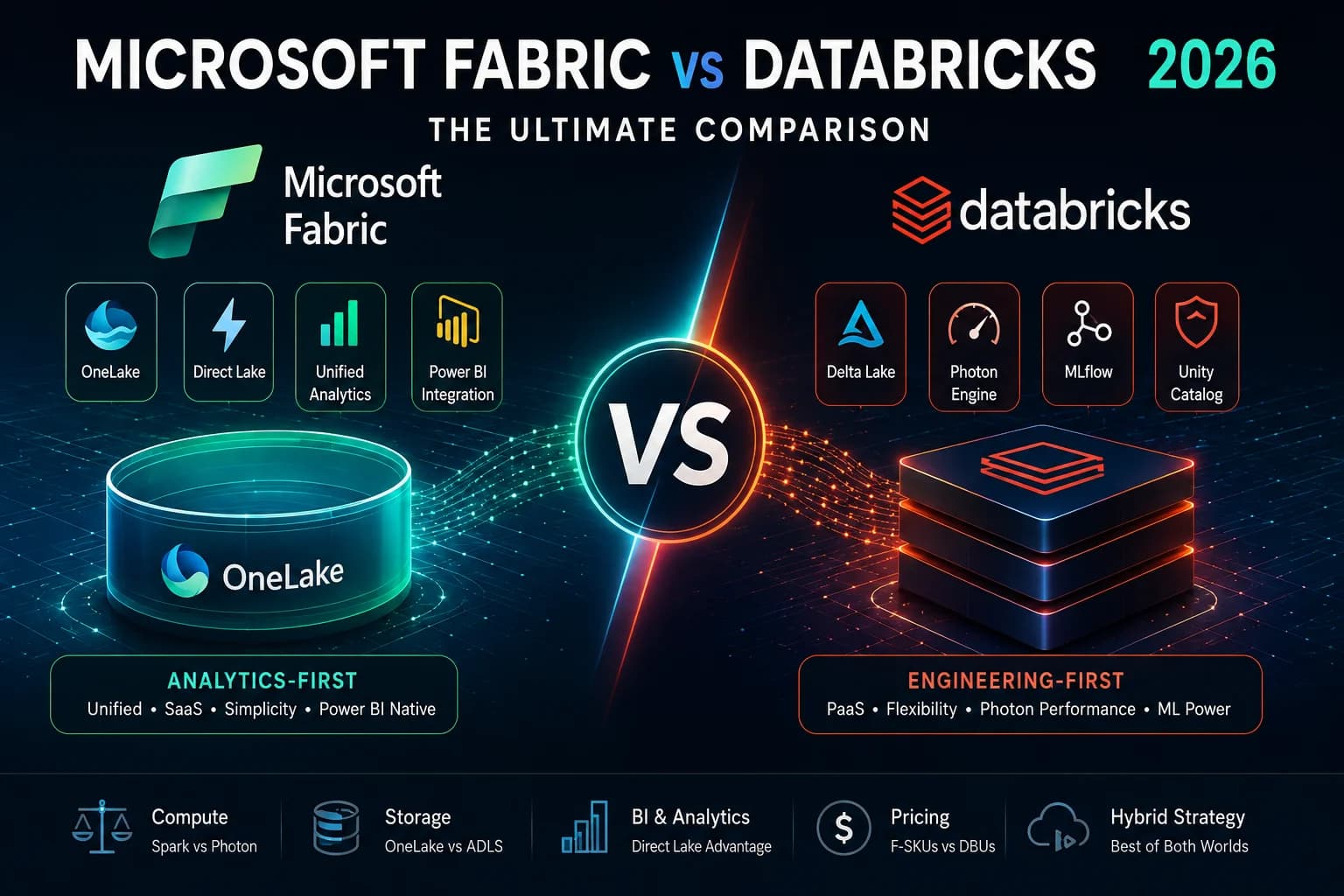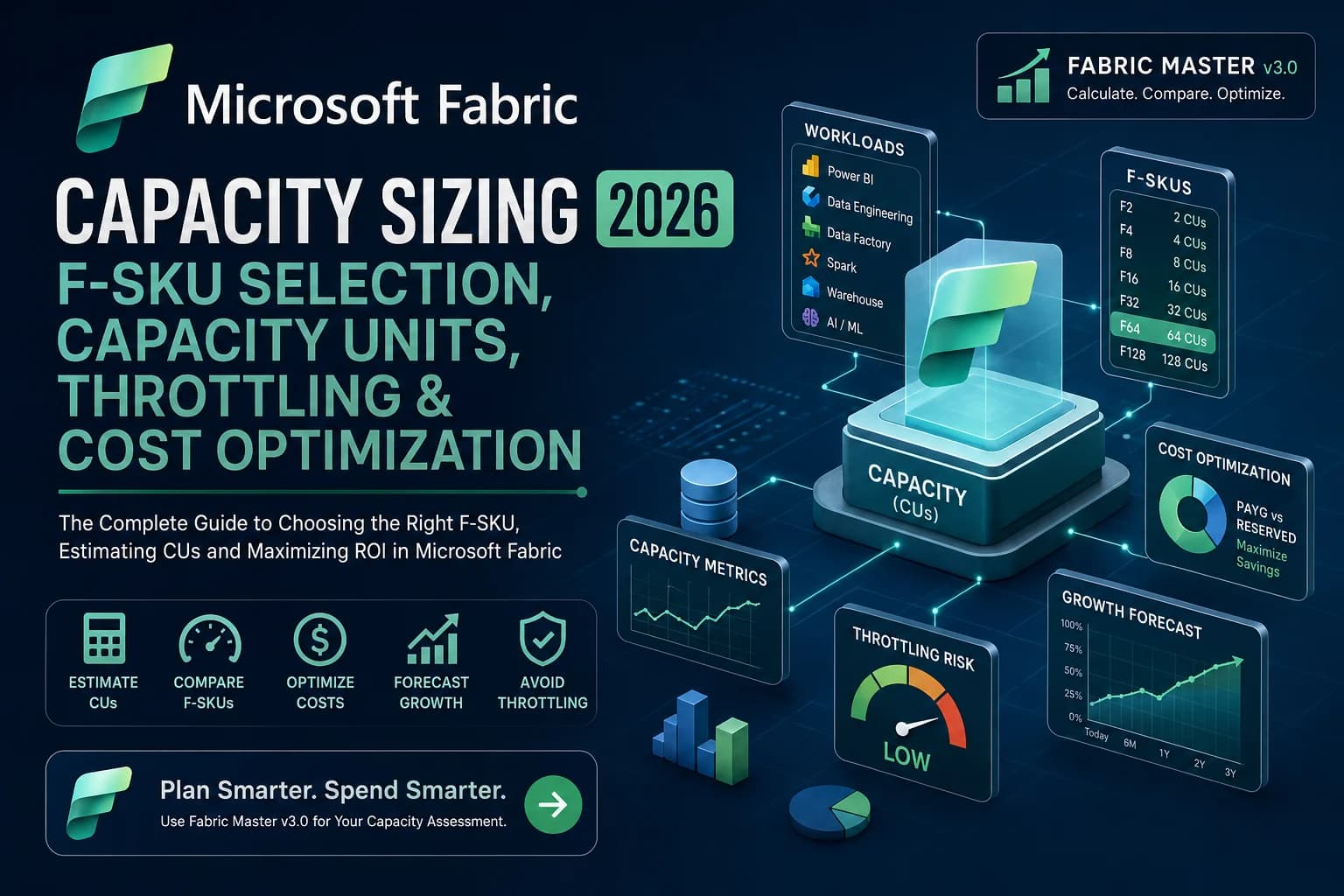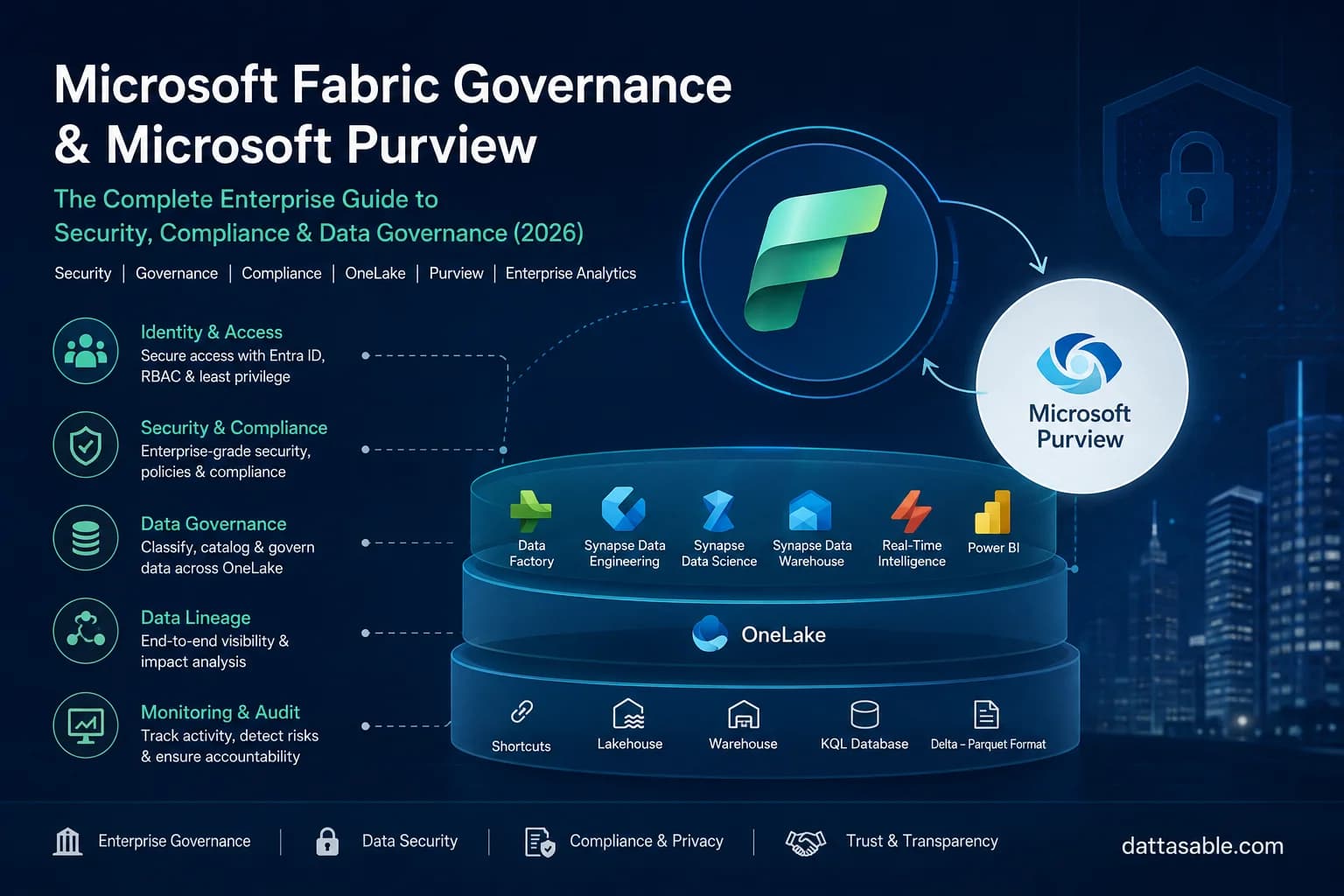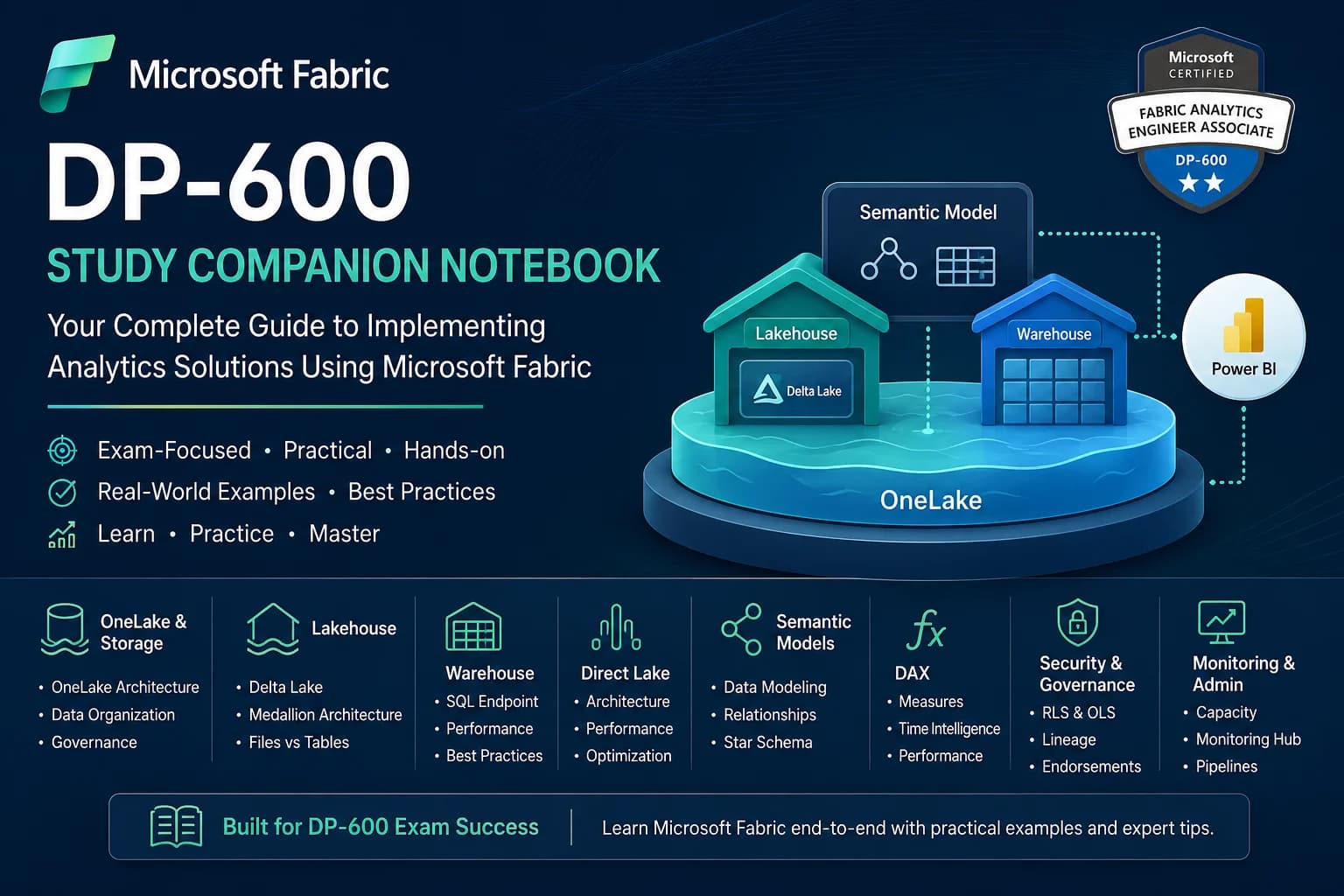
Microsoft Fabric represents the most significant shift in Microsoft's data platform strategy in a decade. As I prepare for the DP-600: Implementing Analytics Solutions Using Microsoft Fabric certification, I created this notebook as a consolidated study companion covering the concepts that appear most frequently across Microsoft Learn modules, hands-on labs, and practice assessments. This companion is not just a study guide, but also a production-grade reference guide for analytics engineers navigating the nuances of OneLake, Lakehouse tables, Warehouse engines, and Power BI's revolutionary Direct Lake mode.
For more than 10 years working in Business Intelligence, Power BI, SQL, reporting automation, and analytics engineering, I noticed that many professionals understand Power BI very well but struggle to connect the broader Microsoft Fabric ecosystem together. This notebook serves as a practical bridge between the storage layers, execution engines, and the semantic tier.
Table of Contents
- 1. OneLake Fundamentals & SaaS Storage
- 2. Lakehouse Architecture: Files vs Tables
- 3. Data Warehouse Architecture & Decision Matrix
- 4. Direct Lake Mode: Paging & Fallback Analysis
- 5. Semantic Models & Enterprise Star Schemas
- 6. Practical DAX Reference & Context Transitions
- 7. Workspace Security, Roles & Lineage
- 8. Capacity Monitoring & Lifecycle Management
- 9. Frequently Asked Questions (FAQ)
1. OneLake Fundamentals & SaaS Storage
OneLake is the 'OneDrive for data.' It is a single, unified, logical data lake for your entire organization, provisioned automatically with every Microsoft Fabric tenant. It is built on top of Azure Data Lake Storage (ADLS) Gen2 and supports the same APIs and SDKs.
flowchart TD
subgraph Tenant [Microsoft Fabric Tenant]
subgraph OneLake [OneLake - Unified SaaS Storage ADLS Gen2]
direction TB
WorkspaceA[Workspace: Sales]
WorkspaceB[Workspace: Finance]
WorkspaceC[Workspace: Marketing]
end
subgraph Compute [Multi-Engine Compute Layer]
Spark[Synapse Spark]
SQL[Synapse SQL DW / SQL Endpoint]
PBI[Power BI Analysis Services]
KQL[Real-Time Intelligence]
end
end
WorkspaceA & WorkspaceB & WorkspaceC <--> Compute
subgraph ExternalSources [External Data Sources]
AWS[Amazon S3]
ADLS[ADLS Gen2]
GCS[Google Cloud Storage]
end
ExternalSources -.->|OneLake Shortcuts| OneLake
The Three Core Pillars of OneLake Architecture:
- Single Copy Concept: Data is stored once in OneLake in an open-source standard format (Delta Parquet) and accessed by multiple computing engines (Spark, SQL, Power BI) without copying or transforming it.
- Shortcuts: Virtual files that reference data stored in other locations (external ADLS Gen2, Amazon S3, Google Cloud Storage, or other Fabric workspaces) without moving it. This enables a distributed data mesh architecture.
- SaaS Integration: No infrastructure to provision. Security, compliance, performance, and scaling are managed entirely by Fabric.
Data Organization & Governance Concepts
Within OneLake, data is organized hierarchically: Tenant, Workspaces, and Items (like Lakehouses, Warehouses, Semantic Models, and Reports).
To govern this architecture, Microsoft Fabric uses Domains and Sub-domains. You can group workspaces into logical domains (e.g., 'Finance', 'Operations', 'Sales') and assign Domain Contributors and Admins. This allows centralized IT to delegate domain management to business departments while maintaining overall control.
Workspace Strategy Recommendations
When planning your Fabric workspace strategy, consider these guidelines:
- Separate by Environment: Create separate workspaces for development, testing, and production (e.g.,
Sales_Dev,Sales_Test,Sales_Prod). - Separate by Domain & Team Boundary: Group items by data ownership. Do not mix Finance and HR data in the same workspace unless they share identical security boundaries.
- Leverage Shortcuts: Instead of copying data across workspaces, create a shortcut in the destination workspace pointing to the source Lakehouse.
2. Lakehouse Architecture: Files vs Tables
A Fabric Lakehouse consists of two distinct areas in OneLake storage:
- Files (Unmanaged/External): A landing zone for raw, unstructured, semi-structured, or structured files (CSV, JSON, XML, images, Parquet). These files can be read by Spark notebooks, but do not automatically expose a SQL relational schema.
- Tables (Managed): Structured tables stored in Delta Parquet format. Any table created here is automatically registered in the Fabric Metastore and becomes instantly queryable using the SQL Endpoint and Spark SQL.
flowchart LR
subgraph Lakehouse [Fabric Lakehouse]
subgraph FilesSection [Files Area]
csv[raw_sales.csv]
json[log_events.json]
end
subgraph TablesSection [Tables Area]
delta[sales_fact Table Delta Parquet]
dim[customer_dim Table Delta Parquet]
end
end
csv -.->|PySpark ETL / Write as Delta| delta
json -.->|PySpark ETL / Write as Delta| dim
Delta Lake Fundamentals
Delta Lake is an open-source storage layer that brings ACID transactions to Apache Spark and big data workloads. Under the hood, a Delta Table consists of Parquet files containing the actual table records, and a transaction log (_delta_log/) containing JSON files that record every action taken on the table (inserts, updates, deletes, schema changes).
This allows ACID properties (Atomicity, Consistency, Isolation, Durability) to be enforced on top of standard file-based cloud storage.
Medallion Architecture Implementation Patterns
The Medallion architecture (Bronze, Silver, Gold) is the standard pattern for data curation in Microsoft Fabric:
| Layer | Purpose | Format | Fabric Tool | Optimization Heuristics |
|---|---|---|---|---|
| Bronze (Raw) | Land source data as-is, retaining all history and schema anomalies. | Files (CSV, JSON, etc.) | Data Factory / Spark | Append-only, partitioned by date of ingestion. |
| Silver (Cleaned) | De-duplicated, schema-validated, cleaned, and enriched data. | Delta Tables | Spark Notebooks | Upsert (Merge), V-Order enabled, partitioned by business keys. |
| Gold (Curated) | Highly aggregated, dimensional model (Star Schema) ready for BI reports. | Delta Tables | Spark / Data Factory | V-Order optimized, Z-Order by query filter columns, Liquid Clustering. |
PySpark Code: Implementing Medallion Transformation
Here is how you ingest raw files from Bronze, transform them, and write them into Silver/Gold Delta tables with V-Order enabled:
# 1. Read raw CSV from Files (Bronze)
df_raw = spark.read.format("csv") \
.option("header", "true") \
.option("inferSchema", "true") \
.load("Files/Bronze/sales_raw.csv")
# 2. Perform transformations, renaming, and cleaning (Silver)
from pyspark.sql.functions import col, to_date, trim
df_silver = df_raw.select(
col("SalesOrderNumber").alias("order_id"),
to_date(col("OrderDate"), "yyyy-MM-dd").alias("order_date"),
trim(col("CustomerEmail")).alias("customer_email"),
col("UnitPrice").cast("double").alias("unit_price"),
col("Quantity").cast("integer").alias("quantity")
).filter(col("order_id").isNotNull())
# 3. Write to Managed Tables (Silver) with V-Order optimization enabled by default in Fabric
df_silver.write.format("delta") \
.mode("overwrite") \
.saveAsTable("silver_sales")
# 4. Optimize the Silver table (Time Travel maintenance / Z-Order compaction)
spark.sql("OPTIMIZE silver_sales ZORDER BY (order_date)")
3. Data Warehouse Architecture & Decision Matrix
Fabric Data Warehouse is a fully relational, transactionally consistent SQL database that stores its underlying data as Delta Parquet files in OneLake. Unlike the Lakehouse, which relies primarily on Spark for write operations, the Warehouse relies entirely on a SQL query engine (Polaris) to run DDL, DML, and queries using standard T-SQL.
flowchart TD
subgraph LakehouseCompute [Lakehouse - Spark SQL / PySpark]
LH_Tables[(Lakehouse Delta Tables)]
end
subgraph SQL_Endpoint [SQL Analytics Endpoint]
ReadEngine[Read-Only SQL Query Engine]
end
subgraph WarehouseCompute [Warehouse - T-SQL Engine]
WH_Tables[(Warehouse Delta Tables)]
end
LH_Tables -->|Auto-metadata Sync| SQL_Endpoint
ReadEngine -.->|ReadOnly Queries| LH_Tables
WarehouseCompute -->|DDL, DML, Read/Write| WH_Tables
SQL Endpoint vs Warehouse Decision Framework
Every Lakehouse automatically provisions a SQL Analytics Endpoint. This is a read-only SQL connection that allows you to query the Lakehouse tables using T-SQL, write views, and build semantic models. However, you cannot write standard INSERT, UPDATE, or DELETE statements against it. Here is the decision matrix to choose between them:
| Capability | Lakehouse SQL Endpoint | Fabric Data Warehouse |
|---|---|---|
| Write Operations | Read-Only from SQL. Write must be done via Spark, Pipelines, or Dataflow Gen2. | Read-Write. Full support for T-SQL DDL/DML (INSERT, UPDATE, DELETE, MERGE). |
| Primary Persona | Data Engineers, Data Scientists, Analytics Engineers. | Relational Database Developers, BI Developers, SQL Analysts. |
| Asset Support | Supports both files (unstructured) and tables (structured). | Supports tables, views, schemas, functions, procedures. No direct file access. |
| Security Surface | SQL-based security (RLS/OLS/Column-Level) at SQL endpoint level only. | Complete schema, table, column, and row-level security natively inside SQL. |
| Transaction Boundary | Determined by Delta log of individual tables. | Multi-table transactions, full transactional isolation (ACID). |
Query Performance Considerations
To optimize query performance in the SQL Endpoint or Warehouse:
- Analyze Statistics: The SQL engine automatically generates and updates statistics. If queries degrade, manually trigger statistics collection using:
CREATE STATISTICS stat_sales_date ON dbo.fact_sales(order_date); - Partition Pruning: Ensure your queries filter on partitioned columns. If a table is partitioned by Year/Month, filtering by
OrderYear = 2026allows the query planner to skip scanning files for other years. - Avoid Complex Views on Views: Nested views prevent the query optimizer from generating efficient execution plans. Materialize complex intermediate joins in upstream Delta tables instead.
4. Direct Lake Mode: Paging & Fallback Analysis
Direct Lake is a path-breaking technology in Microsoft Fabric that connects Power BI directly to OneLake Delta Parquet tables without copying data.
Historically, developers had to choose between Import Mode (loads data into Power BI memory cache; ultra-fast but requires scheduled refreshes) and DirectQuery Mode (translates DAX queries to SQL queries at runtime; avoids copy but suffers from latency). Direct Lake mode bypasses the SQL database engine entirely. When a visual requests data, the Power BI AS engine loads columns of the Delta Parquet files directly from OneLake storage into RAM on-demand.
sequenceDiagram
autonumber
actor User as Business User
participant Report as Power BI Report Visual
participant AS as Analysis Services (RAM Cache)
participant Lake as OneLake (Delta Parquet Storage)
participant SQLEnd as SQL Endpoint (Fallback Engine)
User->>Report: Filters chart (e.g., Year = 2026)
Report->>AS: Submits DAX Query
alt Column is already in RAM cache
AS->>Report: Returns aggregated data instantly (<50ms)
else Column is NOT in RAM cache (On-Demand Paging)
AS->>Lake: Pages column arrays directly from Delta Parquet files to RAM
Lake-->>AS: Column loaded into memory
AS->>Report: Returns aggregated data (<200ms)
else fallback_scenario [FALLBACK: Memory limit exceeded OR SQL RLS enforced]
Note over AS, SQLEnd: SILENT FALLBACK TRIGGERED!
AS->>SQLEnd: Generates and submits T-SQL query
SQLEnd->>Lake: Runs table scan on Parquet files
SQLEnd-->>AS: Returns query results cursor
AS->>Report: Displays visual with high latency (>3s)
end
Direct Lake Fallback Analysis
Under certain conditions, Power BI cannot query OneLake Parquet files directly and silently falls back to DirectQuery mode. This degrades report performance significantly.
| Trigger Condition | Cause | Mitigation Strategy |
|---|---|---|
| Capacity Limit Exceeded | The memory size of the semantic model columns loaded into RAM exceeds the threshold allocated to the Fabric Capacity (e.g., F2 vs F64). | 1. Implement vertical partitioning (remove unused columns). 2. Reduce cardinality of key columns. 3. Upgrade Capacity Unit (CU) size. |
| Database-Level RLS / OLS | Row-Level Security (RLS) or Object-Level Security (OLS) is defined inside the Lakehouse SQL Endpoint or Warehouse database, rather than the Semantic Model. | Define all RLS/OLS configurations directly in the Power BI Semantic Model using DAX, keeping database permissions open for the Power BI identity. |
| Schema Changes | The schema of the underlying Delta table changed (e.g., column renamed or deleted) without updating the Semantic Model. | Keep the Semantic Model synchronized with the Delta table, and trigger model schema sync through the Web modeler. |
| Views Usage | The semantic model points to a SQL View instead of a physical Delta Table in the Lakehouse/Warehouse. | Point your Semantic Model directly to physical Delta tables. Avoid modeling on top of views if you want pure Direct Lake speed. |
5. Semantic Models & Enterprise Star Schemas
For maximum performance in Fabric Semantic Models (especially in Direct Lake mode), you must design a clean **Star Schema** consisting of Fact and Dimension tables:
- Fact Tables: Contain quantitative metrics (Sales Amount, Quantity, Temperature) and foreign keys referencing dimensions.
- Dimension Tables: Contain descriptive attributes (Customer Name, Product Category, Store Region) used to filter and group data.
Avoid Snowflake schemas (where dimension tables join to other dimension tables). Snowflakes create complex join paths that force Analysis Services to scan more memory arrays and can trigger fallbacks in Direct Lake.
Relationship Design Best Practices
- One-to-Many (1:*): The gold standard. The "one" side must always reside in the Dimension table, and the "many" side in the Fact table.
- Single Cross-Filter Direction: Ensure the cross-filter direction is set to Single (Dimension filters Fact). Avoid bidirectional filters because they introduce ambiguity, circular reference risks, and severely degrade performance.
- Use Inactive Relationships with
USERELATIONSHIP: If a Fact table has multiple date columns (e.g.,OrderDate,ShipDate), create one active relationship (e.g., toOrderDate) and inactive relationships to the others. In your DAX measures, useUSERELATIONSHIPto activate the ship date calculation.
Shipped Sales =
CALCULATE(
[Total Sales],
USERELATIONSHIP(fact_sales[ShipDateKey], dim_date[DateKey])
)
Model Optimization Techniques
To minimize memory footprint and ensure Direct Lake operations stay within capacity limits:
- Disable Auto Date/Time: Go to Options -> Data Load -> and uncheck 'Auto date/time for new files'. This prevents Power BI from generating hidden local date tables for every datetime column, which wastes massive amounts of memory.
- Cardinality Reduction: Cardinality refers to the number of unique values in a column. Avoid importing high-cardinality columns (like GUIDs, transactional timestamps, or notes fields) into the semantic model unless strictly necessary.
- Optimize Data Types: Cast high-precision floats to fixed decimals (currency) or integers if the precision isn't required. Analysis Services compresses integers much better than floats.
6. Practical DAX Reference & Context Transitions
This reference guide contains the foundational patterns required to pass the DAX portion of the DP-600 exam.
CALCULATE
CALCULATE is the most important function in DAX. It evaluates an expression in a modified filter context.
-- Pattern: Basic CALCULATE modifying context
US Sales =
CALCULATE(
[Total Sales],
dim_customer[Country] = "United States"
)
Under the Hood Evaluation Steps:
CALCULATEtakes the current filter context.- It evaluates its filter arguments.
- If a filter argument is defined on a column that already has a filter, the new filter replaces the old one. If not, the new filter is added.
- It executes the calculation under this new filter context.
FILTER
FILTER is an iterator function that returns a table. It should only be used when filtering a table expression by a condition that cannot be evaluated using simple column filters (e.g., comparing a measure value).
-- Pattern: Using FILTER to scan aggregated measure values
High Value Customers Sales =
CALCULATE(
[Total Sales],
FILTER(
VALUES(dim_customer[CustomerKey]),
[Total Sales] > 10000
)
)
Performance Warning: Do not write FILTER(dim_customer, dim_customer[Country] = "USA"). Since FILTER scans every row of the table parameter, passing the entire table degrades performance. Use simple filters inside CALCULATE or filter a specific column using KEEPFILTERS.
Time Intelligence
To write time intelligence measures, you MUST have a dedicated dim_date table marked as a Date table in your model.
-- 1. Year-to-Date (YTD) Sales
Sales YTD =
TOTALYTD(
[Total Sales],
dim_date[Date]
)
-- 2. Sales Same Period Last Year (SPLY)
Sales SPLY =
CALCULATE(
[Total Sales],
SAMEPERIODLASTYEAR(dim_date[Date])
)
-- 3. Running Total (Custom Time Intelligence)
Running Total Sales =
CALCULATE(
[Total Sales],
FILTER(
ALLSELECTED(dim_date),
dim_date[Date] <= MAX(dim_date[Date])
)
)
Context Transition Examples
Context Transition occurs when a row context is transformed into a filter context. This happens automatically when a measure is referenced inside an iterator function (like SUMX, AVERAGEX, FILTER), or when an explicit CALCULATE is called within a row context.
Imagine we have a calculated column in the dim_product table:
-- WITHOUT CALCULATE: Row Context only.
-- Evaluates the sum of all sales in the entire table, repeated for every product.
Bad Product Sales Column = SUM(fact_sales[SalesAmount])
-- WITH CALCULATE (Context Transition triggered):
-- The product key in the row context is converted into a filter context.
-- Evaluates the sum of sales for THAT specific product.
Correct Product Sales Column = CALCULATE(SUM(fact_sales[SalesAmount]))
7. Workspace Security, Roles & Lineage
Workspace permissions control what items users can see and modify. Here is the role definition layout:
| Role | Publish Items | Edit/Delete Items | Modify Members | Share Items |
|---|---|---|---|---|
| Admin | Yes | Yes | Yes | Yes |
| Member | Yes | Yes | No (Optional) | Yes |
| Contributor | Yes | Yes | No | No |
| Viewer | No | No | No | No |
Important for DP-600: Contributor role is ideal for developers who write code but shouldn't manage membership. Viewers can only view report visuals and cannot access underlying Lakehouse files directly unless SQL permissions are granted.
Row-Level Security (RLS) & Object-Level Security (OLS)
- Row-Level Security (RLS): Filters the rows of a table based on user credentials (using
USERPRINCIPALNAME()). RLS should be defined in the Power BI Semantic Model for Direct Lake configurations to avoid database-level silent fallback. - Object-Level Security (OLS): Restricts access to entire tables or columns. If a column is secured via OLS, users without permission cannot see it or write queries referencing it (queries will return an error).
Data Lineage & Endorsements
Fabric provides end-to-end Lineage View, showing the entire lifecycle of data from the source (e.g., ADLS Gen2 shortcut) through Lakehouse, SQL Warehouse, Semantic Model, to the final Power BI Report. To help users find trusted data, items can be tagged with Endorsements: Promoted (done by workspace members) or Certified (authorized by tenant administrators; the highest level of validation).
8. Capacity Monitoring & Lifecycle Management
Fabric runs on allocated **Capacity Units (CUs)**. To track usage, you must install the **Microsoft Fabric Capacity Metrics App**.
Key concepts measured in the metrics app include:
- Interactive Operations: Short-duration queries (e.g., a user filtering a report visual). These are processed instantly and charged against the capacity.
- Background Operations: Long-running background processes (e.g., data pipeline runs, Spark notebook execution, Semantic Model refreshes).
- Smoothing: Fabric averages capacity consumption over a 24-hour window for background operations, and over a 10-minute window for interactive operations. This prevents momentary query spikes from throttling your tenant.
- Throttling: If consumption exceeds 100% of capacity limits after smoothing, Fabric implements progressive throttling (delays interactive queries first, then blocks background runs).
graph TD
subgraph Capacity Management
CU[Fabric Capacity Units - e.g. F64]
MetricsApp[Capacity Metrics App]
Smoothing[Smoothing Algorithm]
Throttling[Throttling Engine]
end
Operations[Interactive & Background Operations] --> MetricsApp
MetricsApp --> Smoothing
Smoothing -->|Exceeds limit?| Throttling
Throttling -->|Delay| Interactive[Interactive: Slow report loading]
Throttling -->|Reject| Background[Background: Pipelines fail]
Deployment Pipelines
Fabric deployment pipelines automate release management across Development, Test, and Production phases. Supported items include Lakehouses (structure only, not the underlying Parquet data files), Warehouses, Semantic Models, and Reports. You can define rules to dynamically modify source database connections, SQL parameters, and semantic model connections as metadata transitions between environments.
9. Frequently Asked Questions (FAQ)
What is the difference between V-Order and Z-Order in Microsoft Fabric?
V-Order is a proprietary write optimization technology in Microsoft Fabric that rearranges data inside Parquet files to enable extremely fast sorting and filtering for the Power BI Analysis Services engine. It is applied by default to all tables written by Fabric Spark and Warehouse engines.
Z-Order is an open-source multidimensional clustering technique that organizes data based on specified columns to reduce the volume of data scanned by Spark and SQL engines. V-Order and Z-Order can be used together on the same table.
How do I check if my Power BI report has fallen back to DirectQuery mode?
You can connect to the Semantic Model XMLA endpoint using DAX Studio and run a DMV query on $System.DISCOVER_MDC_DETAILS or check the DirectLakeActive column in SQL Profiler trace events. If the value is 0 or False, fallback has occurred.
Can I enforce Row-Level Security (RLS) in OneLake files directly?
No. Security on OneLake files is managed via Workspace Roles or Share permissions. RLS is enforced at the computing engine level—either in the SQL Endpoint / Warehouse engine or inside the Power BI Semantic Model. For Direct Lake mode, RLS must be defined in the Semantic Model.